 zahir
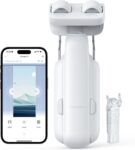
zahir I’ve always been fascinated by the idea of a fully automated home, but I’ve often found that smart home gadgets can be more trouble than they are worth. When I got my hands on the SwitchBot Curtain 3 (ASIN: B0C6XVXPCC), I was skeptical about whether a little plastic device could actually handle my heavy, blackout curtains without getting stuck. After putting it through its paces for several weeks, I’ve gained a much clearer perspective on whether this is a genuine convenience or just another gadget collecting dust. For more reliable equipment and honest reviews, I always recommend checking out the Zahir Kerimov Store and my personal gear guides.
Setting Up the SwitchBot Curtain 3
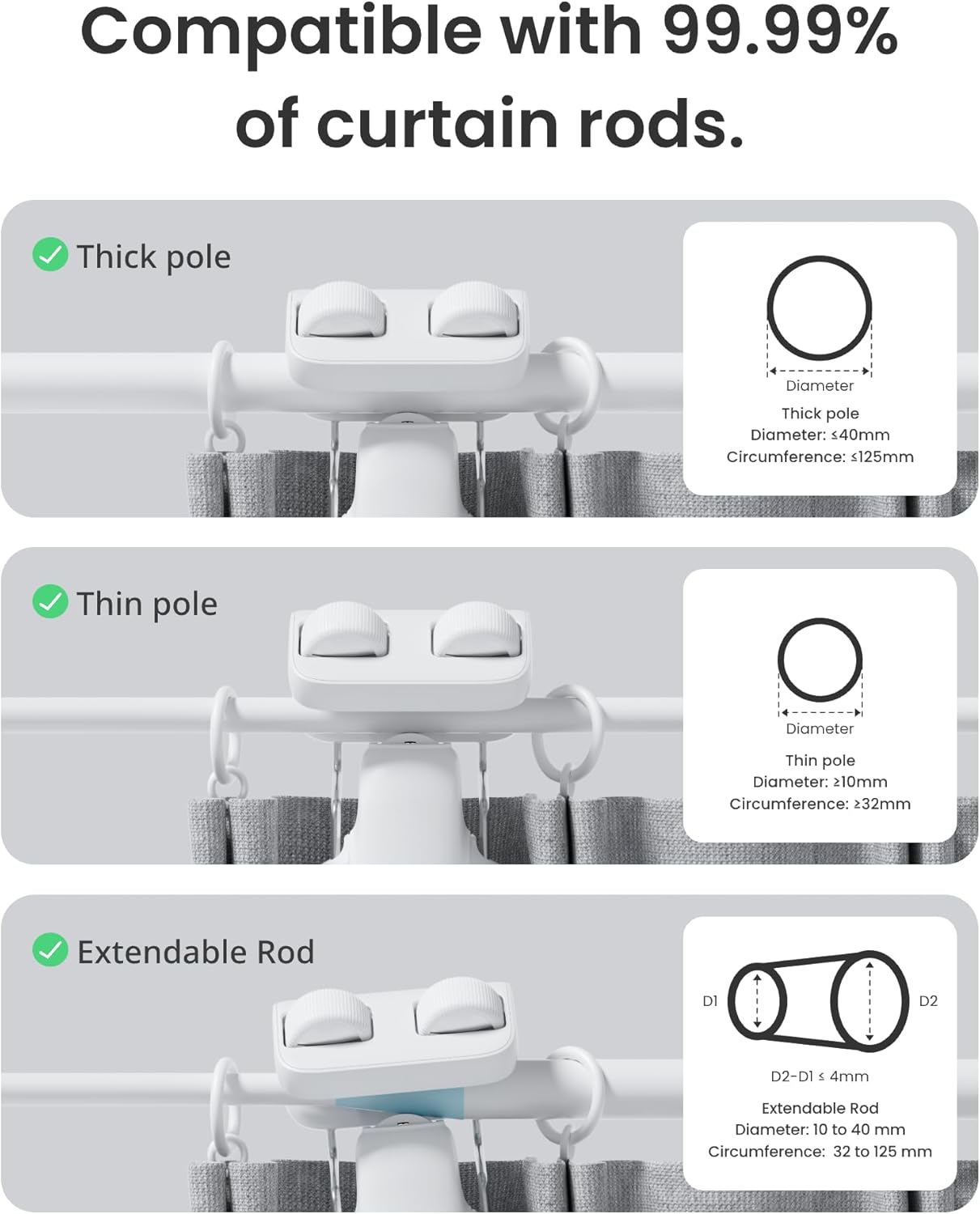
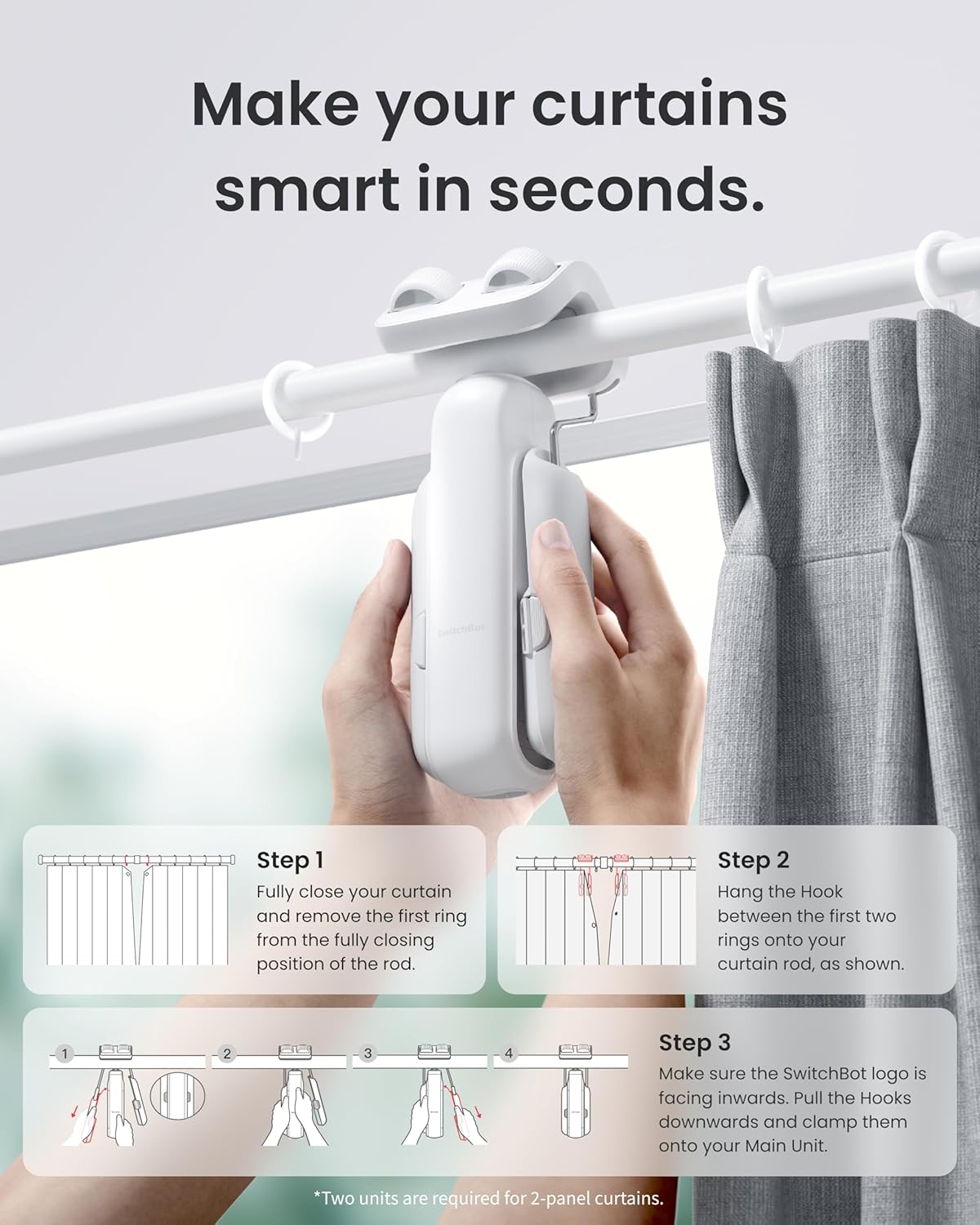
The setup process was surprisingly straightforward, even for someone like me who isn’t exactly a master of home improvement. The device snaps onto your existing curtain rod, and the app walks you through the calibration process step-by-step. I was pleased to see that it supports various rod types, including U-rail and I-rail, which makes it quite versatile for different home layouts.
Once the hardware is attached, you connect it to your Wi-Fi via the SwitchBot Hub (which I highly recommend if you want full remote control). I found that the initial calibration—where the device maps out the length of your curtains—only took a few minutes. It’s a “set it and forget it” process that felt much less daunting than I initially anticipated.
One thing to keep in mind is the tension. You want to make sure the device is snug against the track so it doesn’t slip, but not so tight that it struggles to move. If you are looking to optimize your home further, check out my smart home automation tips to see how this fits into a larger ecosystem.
Key Features and Performance Testing
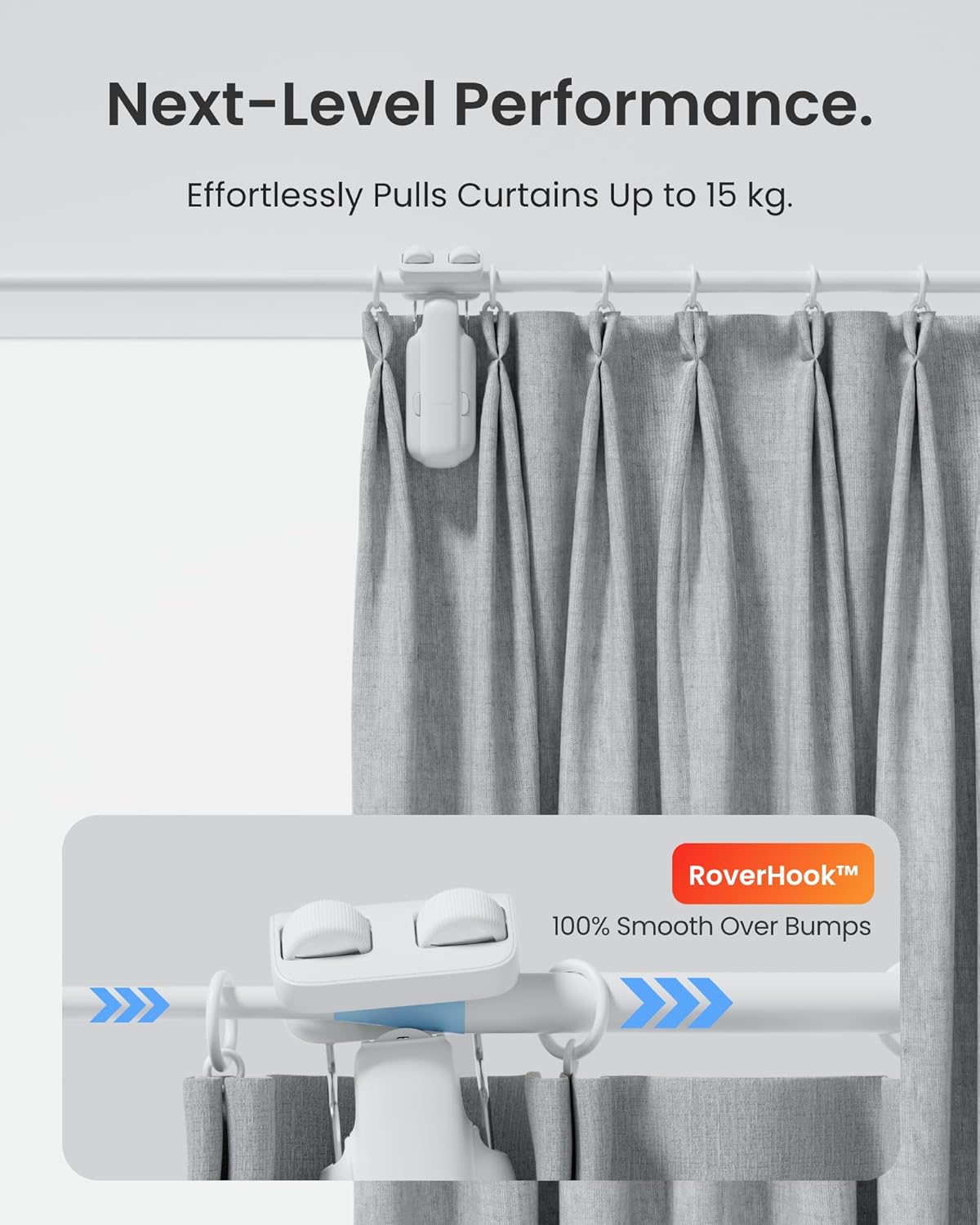
The standout feature of the Curtain 3 is its “QuietDrift” mode. If you’re a light sleeper like I am, you’ll appreciate that it operates at a whisper-quiet level. While it isn’t completely silent, it’s a massive improvement over older models. Testing it with my heavy bedroom curtains, I noticed that the motor didn’t groan or stutter, even when pulling a significant amount of fabric.
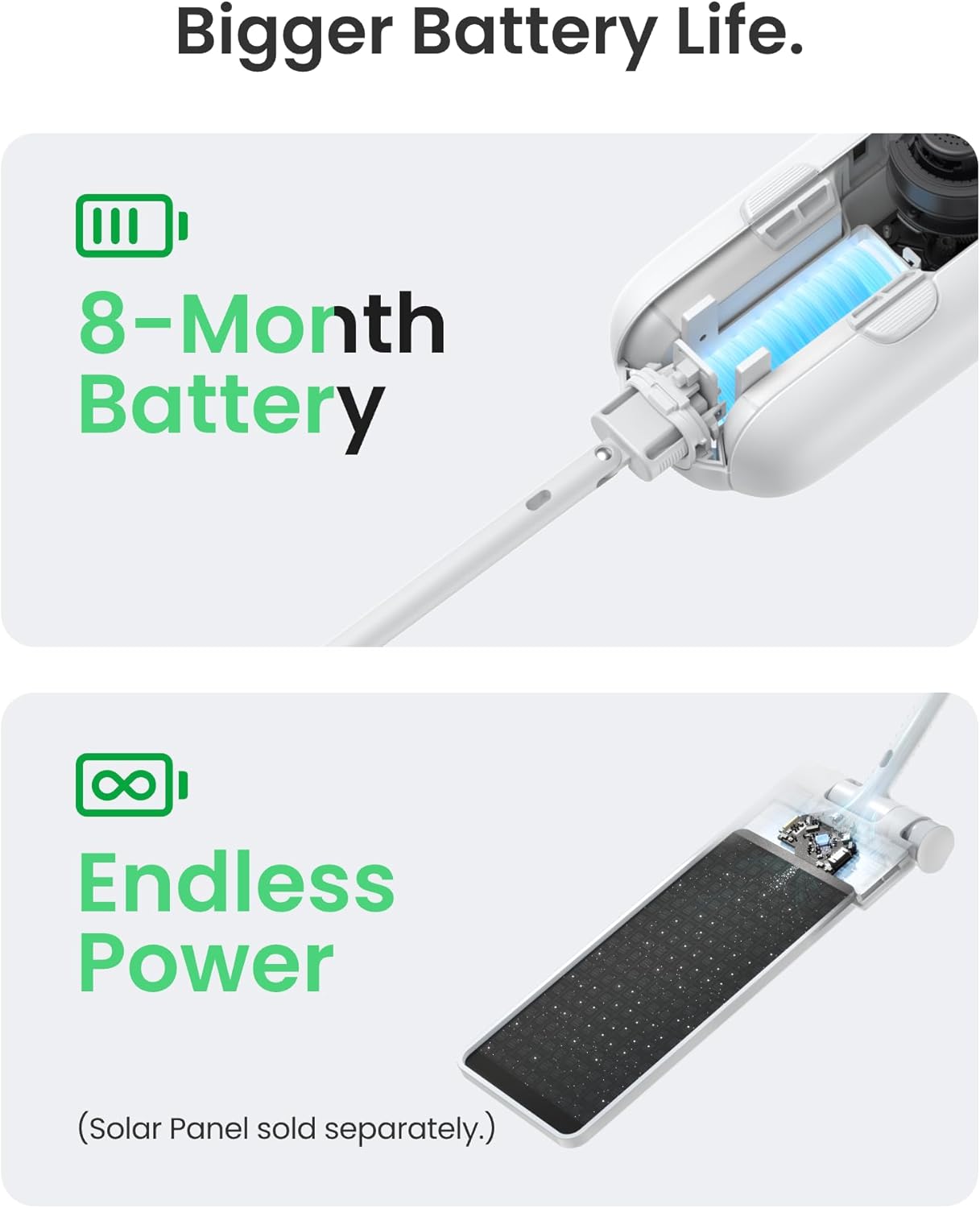
Another big win is the battery life. I haven’t had to charge it once since installing it, and SwitchBot offers a solar panel attachment if you want to make the system entirely maintenance-free. The app integration is robust, allowing for “Sunlight Mode” which opens your curtains based on the intensity of the light—a feature I’ve found to be a game-changer for waking up naturally.
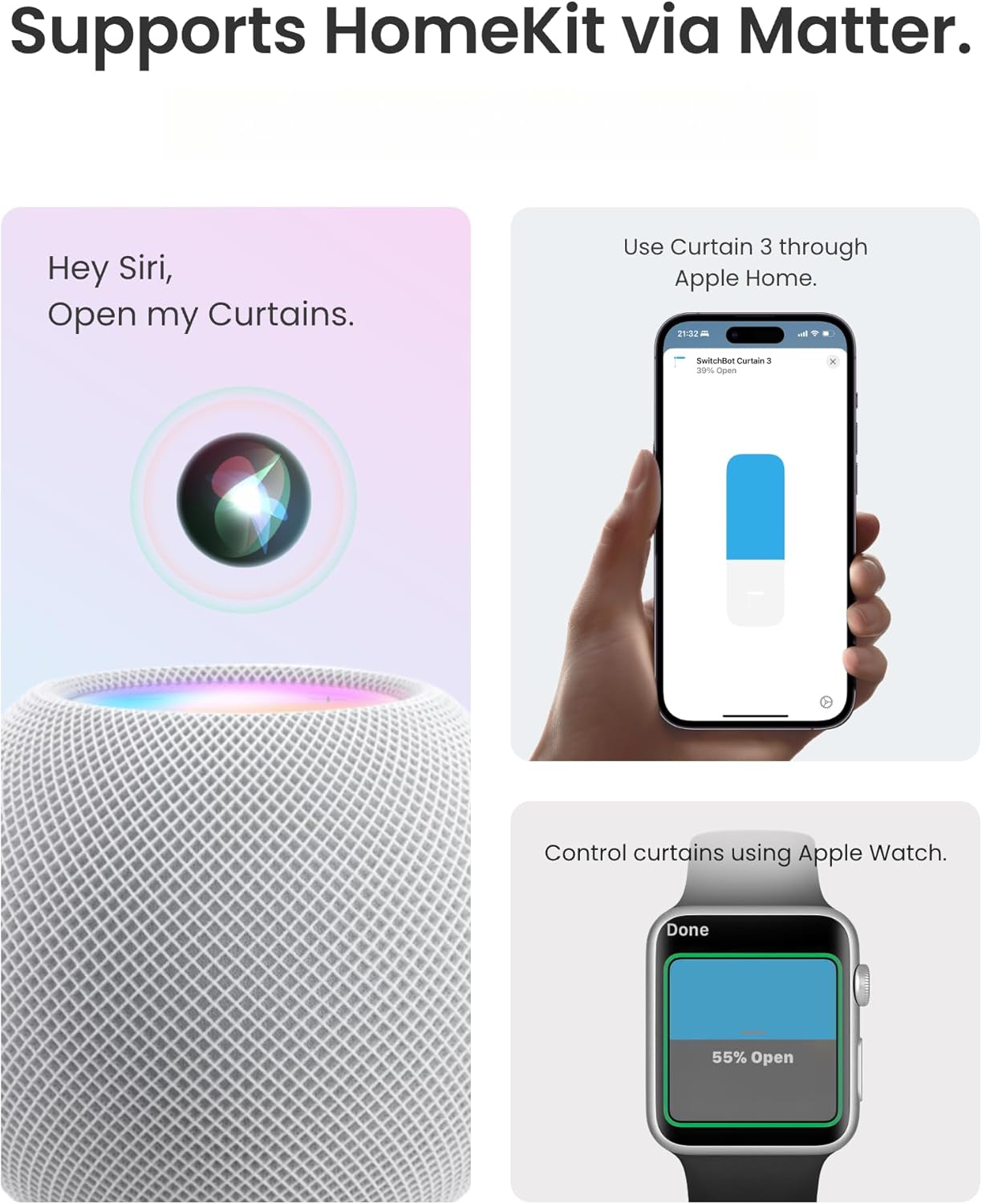
Performance-wise, it’s incredibly reliable. I set a routine to close the curtains at dusk and open them at sunrise, and it hasn’t missed a beat in three weeks. It’s also compatible with Matter, which makes it much easier to integrate with Apple Home, Google Home, and Alexa if you’re already deep into those ecosystems.
My Personal Experience in Real Life
Living with the SwitchBot Curtain 3 has shifted my daily routine. There is something strangely satisfying about waking up to natural light without having to get out of bed to pull the cord. I’ve also noticed that it helps keep the room cooler during the heat of the day by automatically closing when the sun hits the window directly.
However, it isn’t perfect. If you have very long or uneven curtains, you might need to adjust the fabric periodically so it doesn’t bunch up. I also recommend browsing my home security basics article to see how automated curtains can actually act as a deterrent by making your home look occupied when you’re away.
Zahir’s Pro Tip
If your curtains are particularly heavy, don’t rush the calibration. Make sure your curtain rod is clean and free of dust or debris. A quick wipe-down of the rod with a microfiber cloth before installation will significantly reduce friction, allowing the motor to work much more efficiently and prolonging the life of the battery.
Pros & Cons
| Pros | Cons |
|---|---|
| Whisper-quiet “QuietDrift” mode | Requires a Hub for remote/voice control |
| Easy, tool-free installation | Can struggle with very stiff or snagged fabric |
| Long battery life with solar option | Price adds up for multiple windows |
| Excellent app and smart integration | Requires regular fabric alignment |
If you want to add a touch of luxury to your bedroom or living room while gaining some energy efficiency, the SwitchBot Curtain 3 is a solid investment. It’s reliable, quiet, and genuinely useful for daily life.
Button
Customer Feedback and Real-World Impressions
Looking at the broader community, most users seem to be in agreement with my experience. Many praise the ease of setup, though a few users with thicker curtain tracks noted that they had to ensure they bought the correct version (U-rail vs. Rod version). Most people find that the “smart” aspect—specifically the scheduling—is what provides the most value.
Some users have mentioned that the motor can be a bit slow, but personally, I prefer the slower, deliberate movement as it feels smoother and less jarring. It’s worth noting that if you have very thick, heavy velvet curtains, you might need two units (one on each side) to pull them effectively, which doubles your cost but doubles the convenience.
The Final Verdict & Recommendation
Is the SwitchBot Curtain 3 worth it? If you value convenience and want to integrate your window treatments into a larger smart home routine, then absolutely. It’s one of the few “smart” gadgets I’ve tested that actually performs its core function consistently without constant troubleshooting. It’s perfect for people who struggle with mobility, those who love a “smart” morning routine, or anyone who wants to automate temperature control.
However, if you’re on a tight budget or only have one window you’re looking to automate, you might find the price tag a bit steep once you factor in the Hub. Still, the quality of life improvement is tangible. I’ve been very happy with the performance and durability so far.
Related Reviews
- Best Smart Home Hubs for 2024
- How to Choose Smart Lighting for Your Bedroom
- Top 5 Gadgets to Improve Your Sleep Quality
Frequently Asked Questions
- Do I need the SwitchBot Hub? Yes, for Wi-Fi control and voice commands, you need the Hub.
- Will it work with my heavy blackout curtains? Yes, it is designed for heavy fabrics, though ensure it’s properly calibrated.
- Does it work with Alexa? Yes, it supports Alexa, Google Home, and Apple Home (via Matter).
- Is the battery rechargeable? Yes, it has a built-in battery that is USB-C rechargeable.
- Can I use it with two-sided curtains? You will need two units to open curtains from the center.
My time with the SwitchBot Curtain 3 has been nothing short of impressive. It’s rare to find a device that does exactly what it claims to do without a steep learning curve. If you’re ready to modernize your home, this is a fantastic place to start. For more honest, hands-on reviews, keep following my gear guides for the latest updates in home tech!